Quick start
A working store on localhost in about ten minutes.
- 01Unzip and run the installerFrom the unzipped folder, run
node setup.js. It checks Node, installs dependencies, asks for your MongoDB connection string, generatesJWT_SECRETandINTERNAL_API_KEY, and asks for your ImageKit or Cloudinary keys — all written into the root.env. - 02Load the demo catalogueRun
pnpm --filter api run assets:uploadonce to put the product photos on your image provider, then say yes when the installer asks — or runpnpm run seed(seed:bloom-booth) later. It loads 67 beauty products, 8 aisles with 31 sections, 41 brands, 6 journal posts, the home page, coupons and sale promos. It only runs against thebeauty-boothdatabase (BLOOM_DB_NAME). - 03Start everything
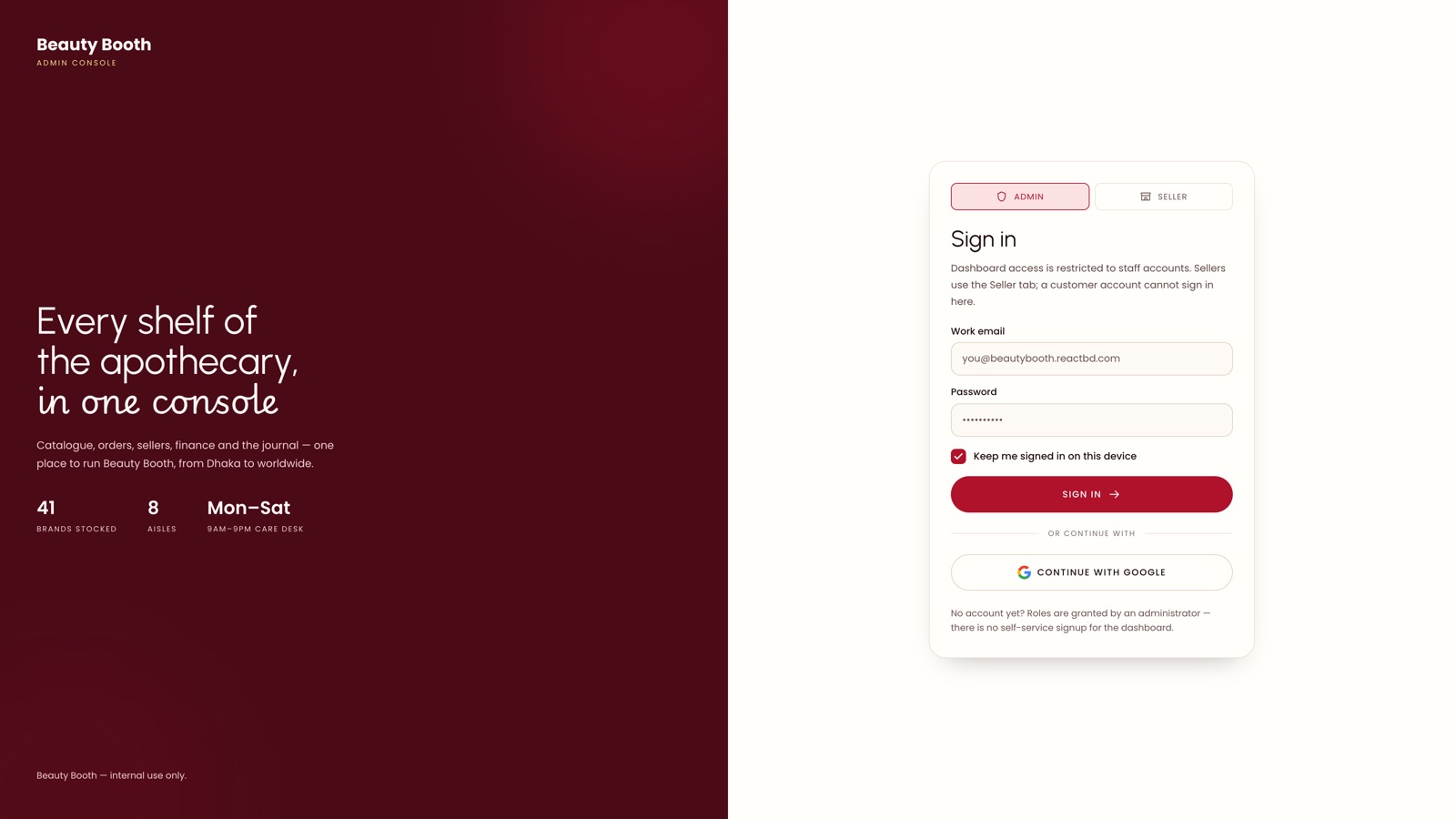
pnpm run devboots the storefront on :3000, the dashboard on :3001 and the API on :8000 through Turbo. - 04Create the first administratorOpen http://localhost:3001 — it redirects to
/setupwhile no admin exists. Complete the form and you are signed in.
terminal
node setup.js
pnpm run dev
Manual equivalent
terminal
pnpm install
# edit .env: MONGO_URI (database beauty-booth), JWT_SECRET and ImageKit or Cloudinary keys
pnpm --filter api run assets:upload
pnpm --filter api run seed:bloom-booth
pnpm run dev
What you should see
| Surface | URL |
|---|---|
| Storefront | http://localhost:3000 |
| Dashboard | http://localhost:3001 |
| API + Swagger | http://localhost:8000/api/docs |
| Offline documentation | documentation/index.html in the package |
Demo coupons the checkout accepts: GLOW10, BLOOM15, WELCOME20.
Complete setup right awayUntil you complete
/setup, whoever reaches the dashboard first becomes the administrator. The API warns about this on every boot while the window is open. Do it immediately after any fresh deploy.